Fix the bite.
Full arches and quadrants.
Load the upper and lower scans. The bite is found, the lower scan is moved into it and every contact is marked.
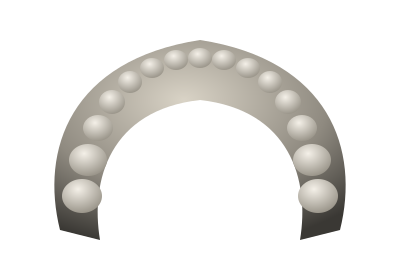
Two scans in.
One bite out.
- It works out how the teeth meet and moves the lower scan into that bite.
- It does not matter how the scans arrive: apart, shifted or pushed into each other.
- Full arches and quadrants both work.
Contacts where the
teeth really meet.
- Both scans come back in the corrected bite, with every contact marked on each arch.
- Turn the pair in 3D and check the contacts before you design on them.
- The scanned teeth are not changed. Only the lower scan moves.
Click to pick a scan (STL, PLY).
New caseUpper jawLower jawFix bite
Fix it in your browser
or from File Explorer.
- Load the two scans into a new case in the browser.
- Or right-click them in File Explorer and choose Open with Cuspal.
- The corrected scan comes back as a new file for your CAD.
Check the alignment before you design on it or use it clinically. Automatic alignment is not a diagnosis.
Works with your
scanner and your CAD.
Any scanner
Any intraoral scanner that exports open files. Export each arch as its own file.
How to export from your scannerSTL, PLY or OBJ
Open mesh files go in. Closed scanner packages only their maker can read are not supported.
A file for your CAD
The corrected lower scan comes back as a new file. Open it in the CAD you already use; your original stays as it was.
Part of a crown case
Designing the crown in Cuspal? The same bite fix runs inside the case and is not counted.
About crown designTry it on your own case.
On its own, a bite alignment uses one from your monthly plan count, the same count crowns use. Inside a crown case it is included.